INVOICING
Create and send invoices from your phone
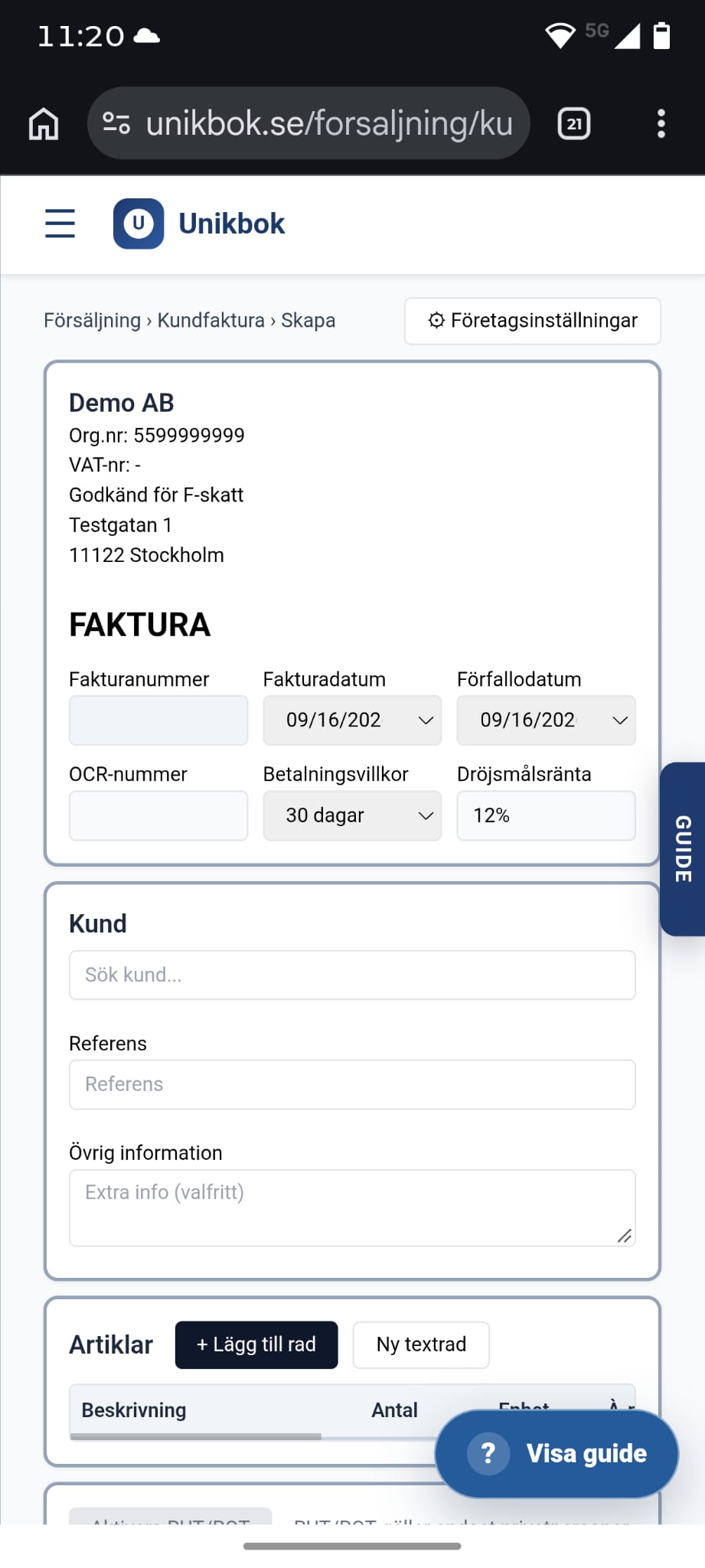
Register the customer, articles and VAT, then send the invoice as a PDF by email directly from your phone's browser. No desktop required to get an invoice out the door.
See the invoicing features UNIKBOK
BOOKKEEPING THAT FOLLOWS YOU ANYWHERE
Unikbok works just as well on your phone as on your desktop. Create invoices, photograph receipts, match bank transactions and read reports — directly in your phone's browser, no app required.
Whether you are between meetings, on a job site or away from your desk, the full Unikbok workflow is available on mobile: invoicing, document capture, bank matching, manual bookkeeping and standard reports. Everything syncs instantly with the desktop version, so nothing is ever out of date.
The application interface is currently available in Swedish.
INVOICING
Register the customer, articles and VAT, then send the invoice as a PDF by email directly from your phone's browser. No desktop required to get an invoice out the door.
See the invoicing featuresDOCUMENTS
Take a photo of a receipt or supplier invoice right where you are. OCR reads the amount and date and helps connect the document to the correct transaction.
See the document workflowBANKING
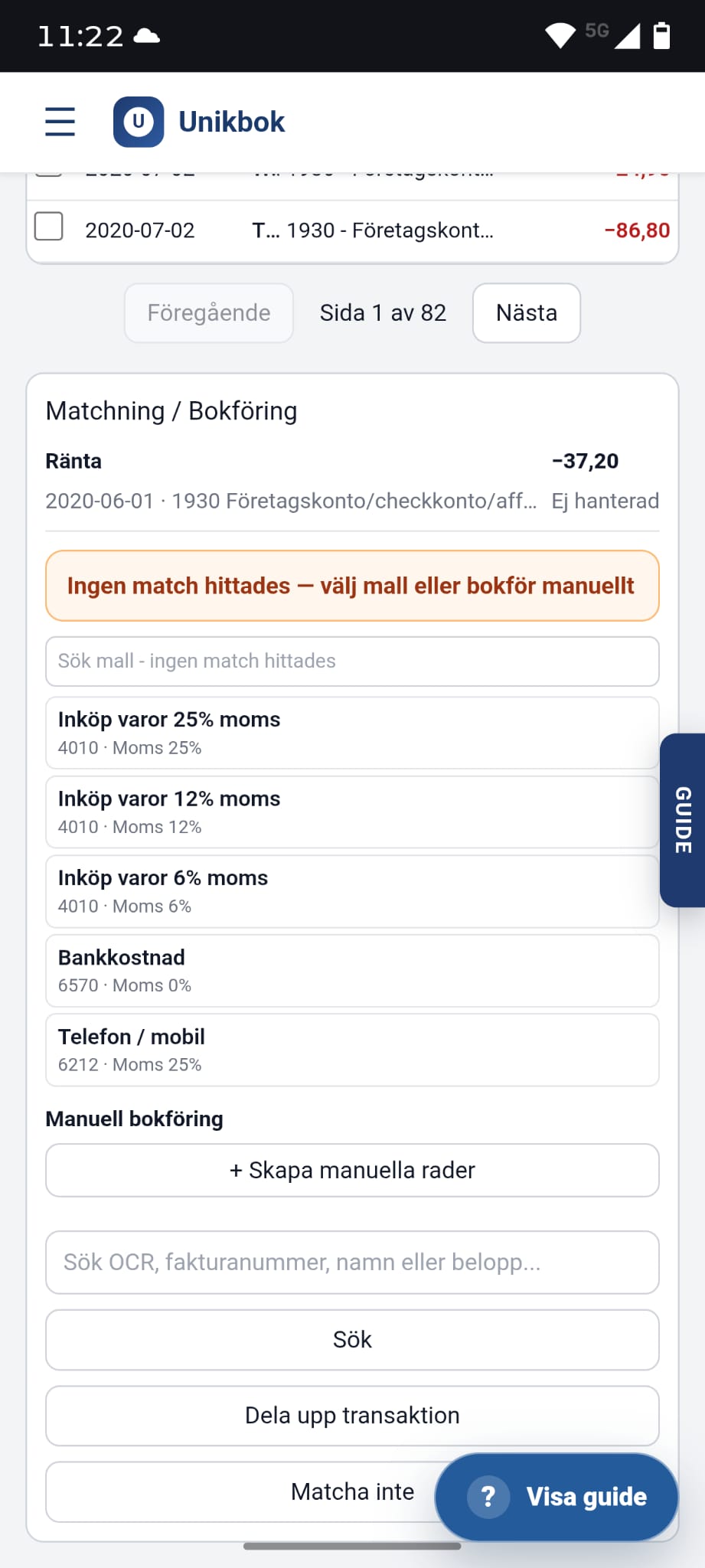
Review today's bank transactions, match them against receipts and invoices, or pick a bookkeeping template — all with your thumb, on a mobile-friendly screen.
See bank connection optionsBOOKKEEPING
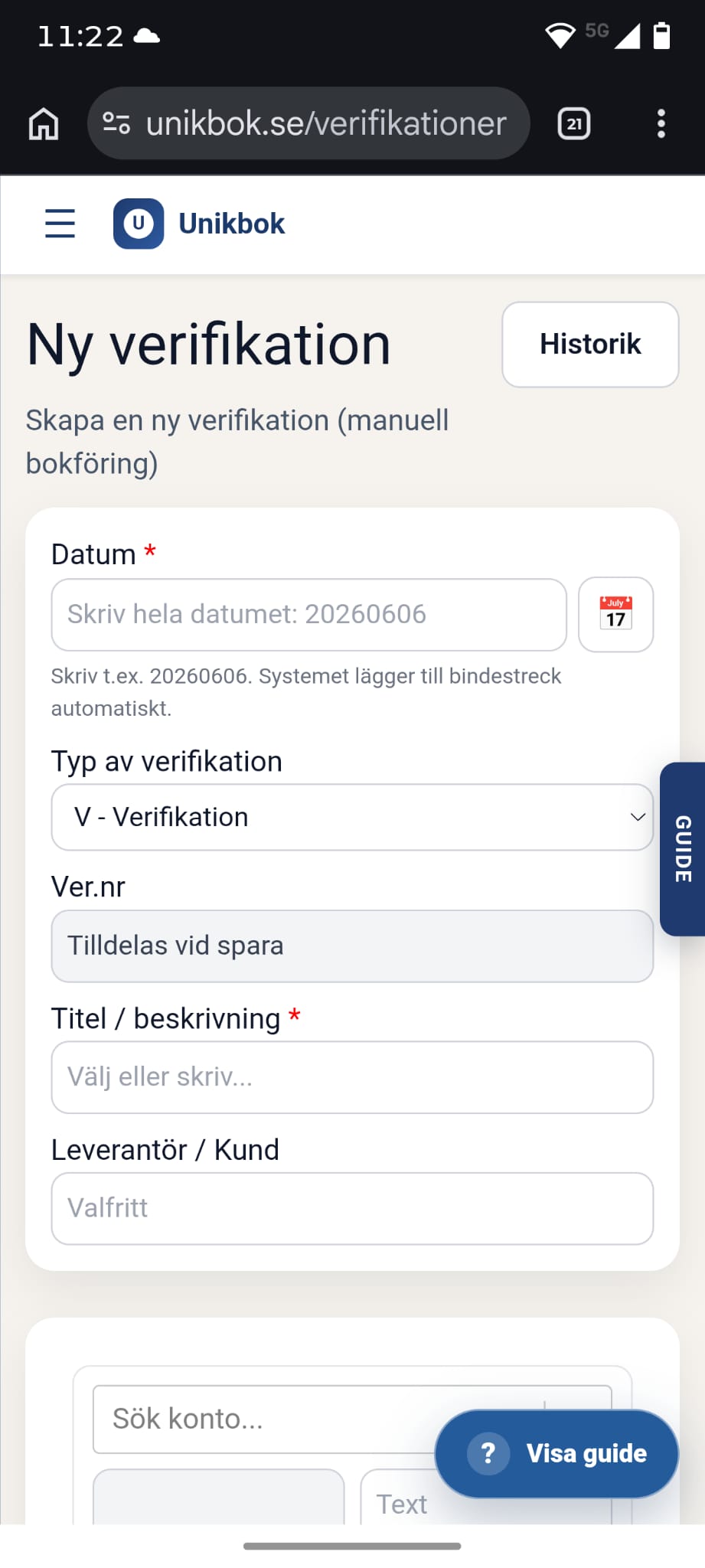
Need to book something manually? Create a new voucher with accounts, amounts and a description directly from your phone, wherever you are.
Explore smart accountingREPORTS
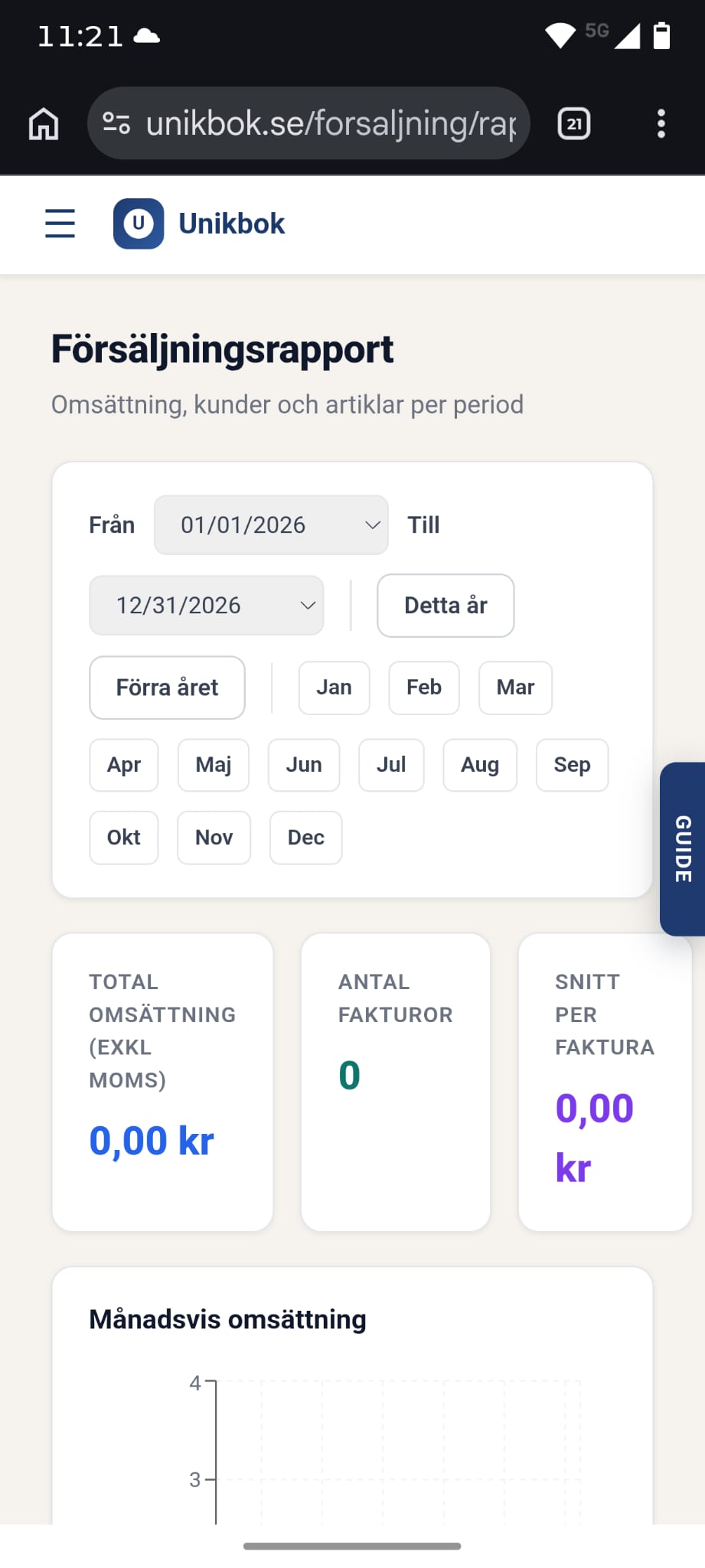
Sales reports, profit and loss and balance sheet are all mobile-friendly and available on demand — perfect for a quick check between meetings.
See reporting featuresMULTI-COMPANY
Manage several companies from the same mobile view — useful for business owners running multiple companies and for accounting firms serving several clients.
Learn about multi-company accessSEE IT FOR YOURSELF
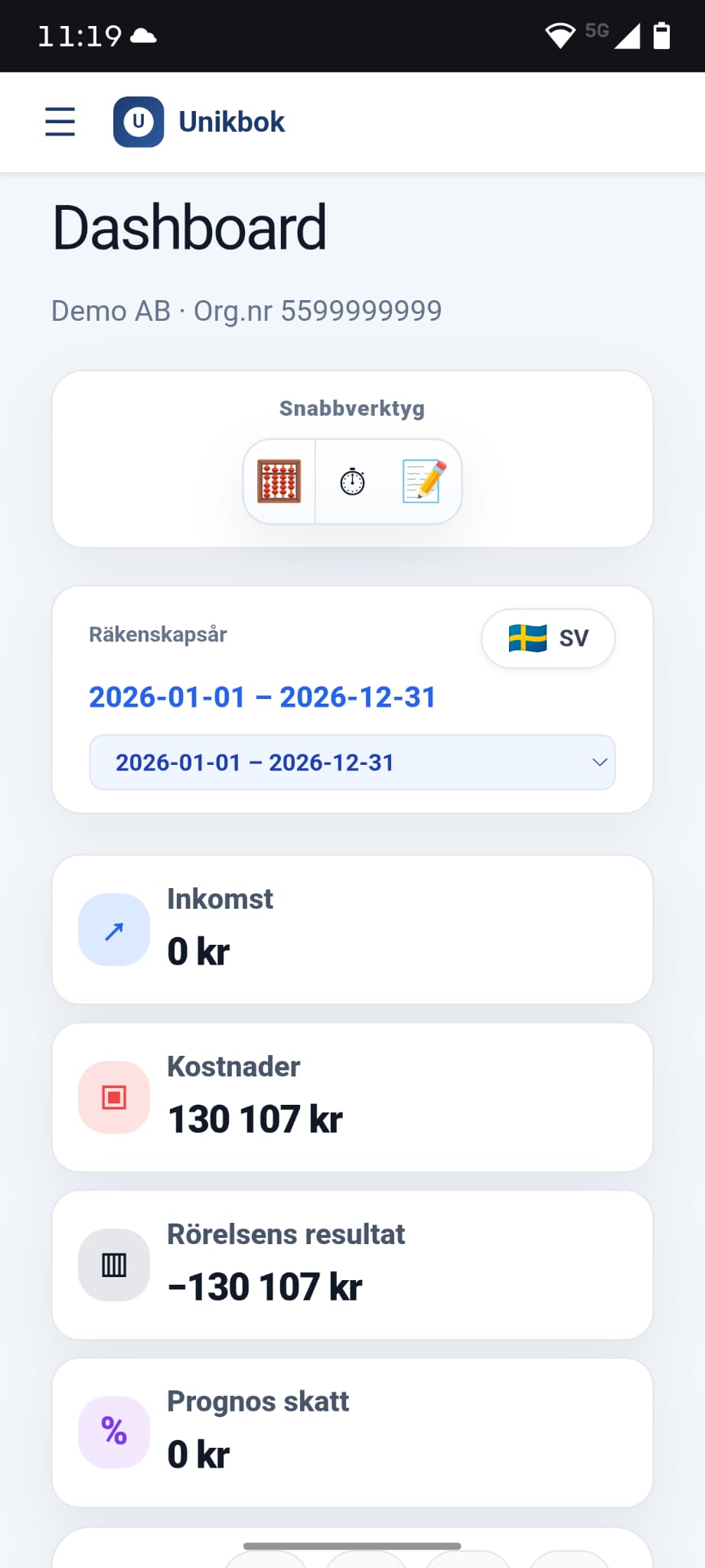
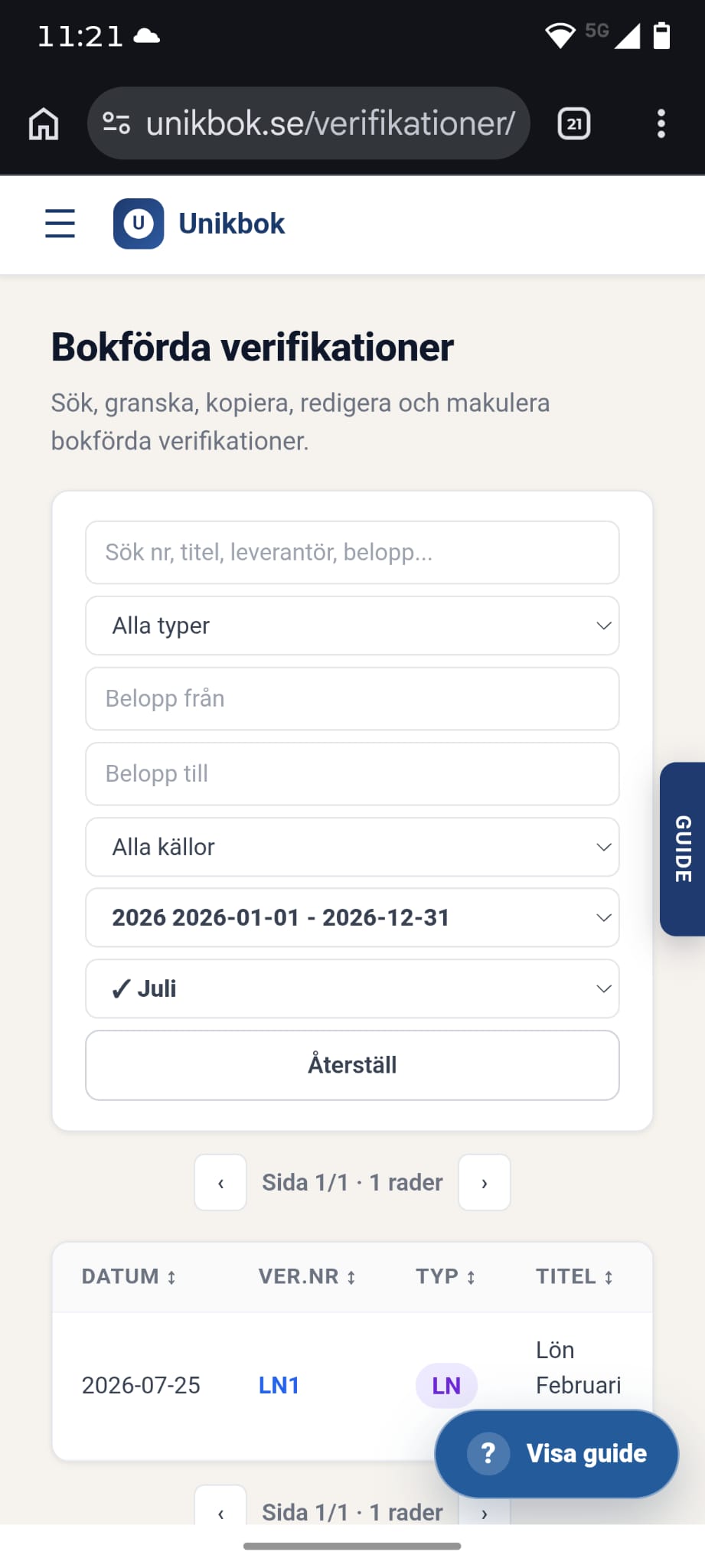
Real screens from Unikbok in mobile view — the same functionality as on desktop, simplified for a smaller screen.
SAME WORKFLOW, ANY DEVICE
FREQUENTLY ASKED QUESTIONS
Clear answers for business owners who want to manage bookkeeping from their phone.
Yes. Unikbok is fully mobile-friendly — you can create invoices, book receipts, match bank transactions and read reports directly in your phone's browser.
No. Unikbok works directly in your phone's web browser, so there is nothing to install.
Yes. Photograph a receipt or supplier invoice on your phone and OCR-assisted registration reads the amount and date automatically.
Yes. You can review bank transactions, match them against receipts and invoices, or choose a bookkeeping template directly on your phone.
Yes. Register the customer, articles and VAT, then send the invoice as a PDF directly from your phone.
Yes. Everything you do on your phone is visible on the desktop immediately and vice versa, since Unikbok is web-based and always up to date.
Yes. Switch between companies directly in the mobile view — useful for both business owners with several companies and accounting firms.
TAKE YOUR BOOKKEEPING WITH YOU
Try the mobile workflow with your own business before you decide.
Create your free account